
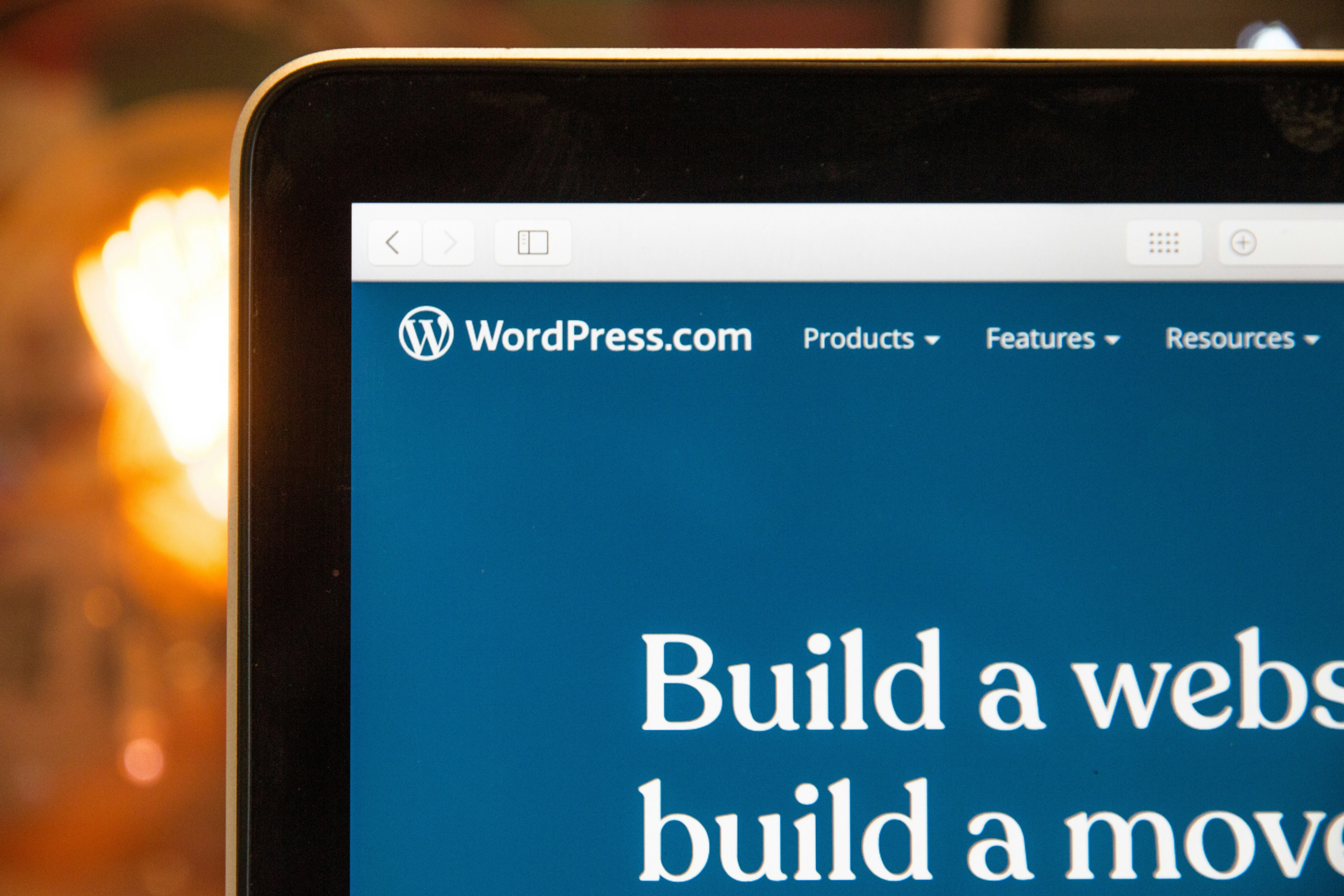
A website builder is an online platform that lets you create and publish a website using drag‑and‑drop tools, templates, and built‑in hosting. Instead of writing HTML or managing complex servers, you can focus on design, content, and business goals.
Most website builders now include tools for SEO, mobile‑friendly design, blogging, and even e‑commerce. This makes them a strong option for small businesses, local service providers, and solopreneurs who want to rank well and convert visitors.
In today’s digital world, a professional website is essential for businesses, creators, and brands. Website builders make it fast and easy to get online, even if you do not have coding experience. But not all platforms handle search engine optimization (SEO) the same way, so choosing the right one matters for long‑term visibility.
Why SEO Matters for Website Builders
Even the most beautiful website is not useful if people cannot find it. That is why SEO matters from day one. A good website builder should support clean URLs, meta tags, image optimization, fast loading, and mobile‑friendly layouts — all of which help search engines understand and rank your site.
Platforms that are flexible with content structure and technical settings tend to perform better in SEO over time. For example, WordPress is often highlighted as one of the most SEO‑friendly options, especially for small businesses that want control and long‑term growth.
How to Choose an SEO‑Friendly Website Builder
When comparing website builders, consider how well they support the basics of SEO and how easy they are to use for your skill level.
Key factors to look for:
- Clean, customizable URLs and title/meta‑tag control.
- Mobile‑responsive templates.
- Fast loading and image optimization tools.
- Blogging and content features.
- Schema or structured‑data options.
- Integration with Google Search Console and analytics.
- Overall ease of use and support.
Even if you are not an SEO expert, a platform that gives you clear SEO tools and good structure can help you build a healthier site.
Side‑By‑Side Builder Comparison
Below is a simple comparison of popular website builders based on SEO friendliness, ease of use, and typical use cases.
| Website Builder | Best For | SEO Strengths | Ease of Use | Notes |
|---|---|---|---|---|
| WordPress | Businesses that want full control and strong SEO | Excellent SEO with plugins like Yoast, clean code, strong schema options | Moderate learning curve, but very flexible | Great for blogs and content‑heavy sites |
| Wix | Local service businesses, portfolios | Solid SEO tools, built‑in checklist, good Google integration | Very easy with drag‑and‑drop design | Design‑rich but can feel locked‑in over time |
| Squarespace | Creative brands and portfolios | Strong templates and decent on‑page SEO | Easy for beginners | Best when design and branding are the priority |
| Webflow | Design‑led brands and marketers | Strong SEO controls and custom code access | More advanced, design‑focused | Great for teams that want pixel‑perfect control |
| Shopify | Online stores | Built‑in SEO for product pages | Easy to set up | Excellent for e‑commerce, more limited for blogs |
This is a simplified overview. In practice, the best choice depends on whether you value design, SEO flexibility, or e‑commerce most.
Small Business SEO Tips When Using a Builder
Even with a good platform, SEO still depends on your choices. Here are a few tips that work no matter which builder you use:
- Choose clear, short URLs and descriptive page titles.
- Use headings properly (H1, H2, H3) and keep content easy to read.
- Optimize images with descriptive filenames and alt text.
- Publish helpful, original content that matches what people search for.
- Make sure your site is fast and mobile‑friendly.
- Add basic schema if your builder supports it (address, phone, business hours for local SEO).
Common Mistakes to Avoid
Many users accidentally weaken SEO when they first start with a website builder. Common mistakes include:
- Packing the homepage with too much text and design clutter.
- Ignoring mobile experience.
- Not using clear page titles and descriptions.
- Starting multiple short, low‑quality pages instead of a few focused ones.
A clean, intentional approach usually performs better than trying to “do everything” on the first page.
Final Thoughts
Website builders are powerful tools for getting online quickly, but they differ in how well they support long‑term SEO. WordPress, Wix, Squarespace, Webflow, and Shopify are all strong options, but they suit different needs.
For most small businesses and local brands, the best choice is the platform that balances ease of use, design, and SEO flexibility. When paired with smart content and basic optimization, any of these builders can support a strong, visible online presence.
Why SEO Matters for Website Builders
Even the most beautiful website is not useful if people cannot find it. That is why SEO matters from day one. A good website builder should support clean URLs, meta tags, image optimization, fast loading, and mobile‑friendly layouts — all of which help search engines understand and rank your site.
Platforms that are flexible with content structure and technical settings tend to perform better in SEO over time. For example, WordPress is often highlighted as one of the most SEO‑friendly options, especially for small businesses that want control and long‑term growth.
How to Choose an SEO‑Friendly Website Builder
When comparing website builders, consider how well they support the basics of SEO and how easy they are to use for your skill level.
Key factors to look for:
- Clean, customizable URLs and title/meta‑tag control.
- Mobile‑responsive templates.
- Fast loading and image optimization tools.
- Blogging and content features.
- Schema or structured‑data options.
- Integration with Google Search Console and analytics.
- Overall ease of use and support.
Even if you are not an SEO expert, a platform that gives you clear SEO tools and good structure can help you build a healthier site.
Side‑By‑Side Builder Comparison
Below is a simple comparison of popular website builders based on SEO friendliness, ease of use, and typical use cases.
| Website Builder | Best For | SEO Strengths | Ease of Use | Notes |
|---|---|---|---|---|
| WordPress | Businesses that want full control and strong SEO | Excellent SEO with plugins like Yoast, clean code, strong schema options | Moderate learning curve, but very flexible | Great for blogs and content‑heavy sites |
| Wix | Local service businesses, portfolios | Solid SEO tools, built‑in checklist, good Google integration | Very easy with drag‑and‑drop design | Design‑rich but can feel locked‑in over time |
| Squarespace | Creative brands and portfolios | Strong templates and decent on‑page SEO | Easy for beginners | Best when design and branding are the priority |
| Webflow | Design‑led brands and marketers | Strong SEO controls and custom code access | More advanced, design‑focused | Great for teams that want pixel‑perfect control |
| Shopify | Online stores | Built‑in SEO for product pages | Easy to set up | Excellent for e‑commerce, more limited for blogs |
This is a simplified overview. In practice, the best choice depends on whether you value design, SEO flexibility, or e‑commerce most.
Small Business SEO Tips When Using a Builder
Even with a good platform, SEO still depends on your choices. Here are a few tips that work no matter which builder you use:
- Choose clear, short URLs and descriptive page titles.
- Use headings properly (H1, H2, H3) and keep content easy to read.
- Optimize images with descriptive filenames and alt text.
- Publish helpful, original content that matches what people search for.
- Make sure your site is fast and mobile‑friendly.
- Add basic schema if your builder supports it (address, phone, business hours for local SEO).
Common Mistakes to Avoid
Many users accidentally weaken SEO when they first start with a website builder. Common mistakes include:
- Packing the homepage with too much text and design clutter.
- Ignoring mobile experience.
- Not using clear page titles and descriptions.
- Starting multiple short, low‑quality pages instead of a few focused ones.
A clean, intentional approach usually performs better than trying to “do everything” on the first page.
Final Thoughts
Website builders are powerful tools for getting online quickly, but they differ in how well they support long‑term SEO. WordPress, Wix, Squarespace, Webflow, and Shopify are all strong options, but they suit different needs.
For most small businesses and local brands, the best choice is the platform that balances ease of use, design, and SEO flexibility. When paired with smart content and basic optimization, any of these builders can support a strong, visible online presence.